




💻 Code: https://github.com/allenai/olmo-eval

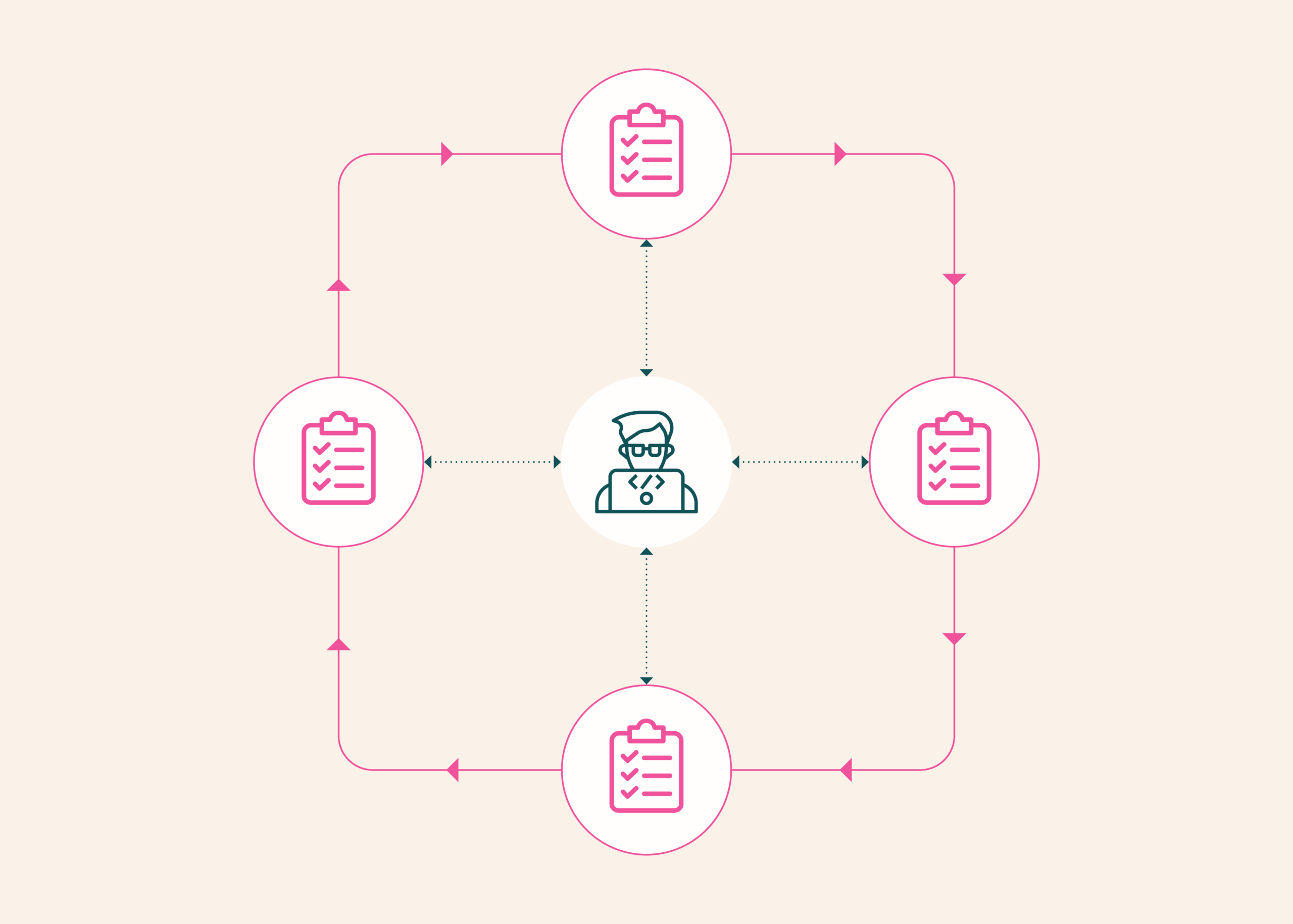
While building your LLM, you will evaluate it many times through many interventions. Every time you tweak your data, architecture, hyperparameters, and scale up, you’re put back in the same loop. This means adding or reconfiguring benchmarks, rerunning them at each new model checkpoint, recording the results, and seeing if what worked for you in a small experiment still holds up for a full training run.
Most assessment tools are not designed for this purpose. It is built to run established benchmarks on the entire completed model or run the model through a multi-step problem using tools in a sandbox. It doesn’t keep up with constantly changing models, nor does it reflect how the model will behave under specific real-world conditions.
Our last project that tackled this evaluation challenge was OLMES, the Open Language Model Evaluation Standard. Introduced in 2024, this feature was intended to make it easier to compare LLM benchmark scores across releases. The same model was scored in different ways on the same benchmark, and aspects such as prompt formatting and task formulation often varied from paper to paper. As a result, claims about which model performed best were often not reproducible. OLMES anchored its benchmark choices to documented, open standards, which became the basis for evaluating open models from Olmo to Tulu.
However, the final model score is only part of the evaluation process. That’s why we’re releasing olmo-eval, a new workbench that builds on OLMES and extends it across the rest of LLM development. Compared to OLMES, olmo-eval reduces the effort of implementing new evaluations, provides more flexibility in defining where and how evaluations are performed, and allows individual components to be easily configured into larger workflows. Agent and multi-turn evaluations are supported as first-class use cases, and powerful analytical tools can help you determine whether your intervention actually improved your baseline or if the differences amount to noise.
Differences between olmo-eval and existing tools

Is a 2.4pp change in performance enough to make calls?
olmo-eval has some overlap with Harbor, an open framework for evaluating AI agents within a containerized sandbox environment. However, the two tools differ in their scope. Harbor is primarily intended for running and publishing agent benchmarks. olmo-eval was built for everyday tasks in model development, such as adding and configuring benchmarks, running between checkpoints, and analyzing results per prompt rather than as a single overall score.
Harbor does everything the same way, in a sealed, reproducible container. Containers can be resource-intensive, so olmo-eval allows you to choose how each benchmark runs instead. Benchmarks that only require a model to answer a question can be run directly, making them faster and cheaper. Benchmarks that require a locked-down environment (for example, benchmarks that run model-authored code) get an isolated container setup. The lightweight path is the default, and olmo-eval only chooses the heavy setup when the benchmark actually requires it.
Harbor’s process for adding benchmarks is built for evaluations that are intended to be published and shared and requires additional validation steps. olmo-eval is built to speed things up during development, and how you add benchmarks depends on what your benchmarks require. A short definition of basic eval and options to make the tool available to models running on the benchmark, or, for benchmarks that already have their own code and procedures, a thin wrapper that allows olmo-eval to run out of the box and report results alongside other benchmark scores in the same format.
Harbor and olmo-eval both keep benchmarks separate from runtime policy (how the model is run to produce an answer), so you can change one without rewriting the other, but olmo-eval is designed for greater modularity. In olmo-eval, the models being evaluated, the tools available, the containerized environment, and helper models such as LLM-as-a-judge are all interchangeable components. You can reuse tools across many harnesses, connect grading models to one benchmark without affecting other benchmarks, and adjust small settings (such as the exact wording of prompts) without much effort.
Harbor reports an overall score for each model. olmo-eval also reports these scores, each including a standard error and the minimum detectable effect (the smallest difference that can be reliably distinguished from noise). But a more convenient view is to compare the same question side-by-side to two model checkpoints, one at a time, everything else fixed. This can help you see if small changes in the overall average indicate real improvement or just noise.
olmo-eval creates a multiple sample benchmark creation task subclass with DataSource, metrics, and scoring surfaces. Wrap existing agent-style benchmarks with your own runner. The benchmark keeps loops and scores, and the results arrive at the schema of olmo-eval. Swap runtimes under fixed benchmarks — harnesses and harness presets. Harness carries providers, tools, scaffolds, sandboxes, and auxiliary providers Parallel container execution Sandbox instances for parallel executors with feature-based routing, Docker or modal modes Tool definitions reusable across tasks and harnesses @tool decorator with optional global registry Multi-turn execution loop Scaffolds selected per harness (e.g. openai_agents), not included in the task definition
Integrated assessment stack
olmo-eval consists of four components that are useful on their own, but are designed to work together to power your experimental LLM development loop.
A task/suite/harness abstraction that separates benchmark logic from runtime policy. The task is how to define a benchmark in olmo-eval, i.e. what to evaluate. Suites group tasks into sets that run together, and harnesses control how each task is performed. This separation allows the same task to be performed as a standard baseline or using tools and scaffolds without changing what is being measured.
Sandbox and feature routing layer (including an asynchronous sandbox planner). This supports evaluations where the model’s response depends on actions performed using the tool, such as writing and running code or browsing the web. The point is to evaluate the actual tool usage of the model. When a benchmark requires tools, olmo-eval runs those tools and feeds the results back into the model.
A normalized experiment schema that records all runs, their configurations, and results in the same structured format. This makes it possible to group related experiments, compare checkpoints over time, and avoid inconsistencies that often accumulate in long-term model development workflows.
Results viewer for pairwise model comparisons: By aligning two models or checkpoints by question, you can uncover small but real changes in performance that might be hidden by the overall average.
For most model evaluation setups, adding benchmarks is a large integration project. olmo-eval only requires a task. The task defines the benchmark dataset, how to build the evaluation request, and how to score the model answers (all code in Python).
from olmo_eval.common.formatters import chat formatter
from olmo_eval.common.metrics import precision metric
from olmo_eval.common.scorers import exact match scorer
from olmo_eval.common.types import instance, SamplingParams
from olmo_eval.data import data loader, data source
from olmo_eval.evals.tasks.common import tasks, registers, register_variant
class Internal fresh QA(task): datasource = datasource(path =“s3://evals/internal/freshqa.jsonl”split =“test”) Formatter = ChatFormatter() Sampling Parameters = SamplingParams(Temperature =0.0) Metric = (AccuracyMetric(Scorer=ExactMatchScorer),)
surely instance(self): Loader = DataLoader()
for idx, document in enumerate(loader.load(self.config.get_data_source())):
yield instance(question=document(“question”), gold_answer=doc(“answer”), metadata={“ID”:doc.get(“ID”, f”fresh qa_{idx}”)},)
Variants express changes in evaluation policy without duplicating the benchmark.
register_variant(“Internal_fresh qa”, “3 shots”,num_fewshot=3few shot seeds =1234) register_variant(“Internal_fresh qa”, “zero”,num_fewshot=0)
The suite groups benchmarks into standard sets and runs them together.
from olmo_eval.evals.suites import Suite, register register(Suite( name=“base_qa_few_shot”task =(
“sciq:mc:3shot”,
“Arc Challenge: MC: 3 shots”,
“internal_freshqa:mc:3shot”,),))
Additionally, because the runtime policy resides in the harness rather than in the task definition, you can easily rerun the same benchmark under different executions, rather than relying on the generated point tracks to simply be reasonable.
baseline
olmo-eval run -m my-instruct-checkpoint -t external_freshqa:zero
Same tasks, same scoring, search/tool runtimes enabled
olmo-eval run -m my-instruct-checkpoint -t external_freshqa:zero –harness search_agent
Open reproducible evaluation
Use olmo-eval when your evaluation is part of continuous model development rather than a one-time run, when you need to run the same benchmark repeatedly between checkpoints under reproducible conditions and compare interventions at both an aggregate and per-question level.
If you have a recurring question, “How is this checkpoint different from the last checkpoint, and what exactly has it improved or degraded?”, that’s the olmo-eval workflow.
Reproducible evaluation must address not only how the model is scored once it is completed, but also how the model is constructed. olmo-eval incorporates the OLMES standard into active model development and releases it openly for the community to build upon.

